 ibitebyt3s
Prettify Burp "Copy as curl" commands with sed and vim
Burp Suite is my go to tool whenever I want to fiddle around with web requests. It’s very useful for simple requests but sometimes things might get a bit more complicated when I need to interact with the data received or forward it to the next request. Maybe I need to calculate the hash for a challange in a CTF, or it could also be that I want more control of the concurrency between requests or for some reason I need to do things in a programmatic way. I’m aware of Burp Macros but I’m not a big fan of them.
I’ve seen that a lot of people like to script in python but my preferred language is bash and its popular command to make web requests is curl. Fortunately translating raw HTTP requests to curl is a feature found by right clicking said request either in Chrome, Firefox or Burp Suite. Unfortunately, the default output of Firefox and Burp Suite isn’t in the most “workable format”.
My ideal “workable” format is to have headers separated by newlines and surrounded by double quotes instead of single quotes. The advantage of using double quotes is that variables can be present within the string. Let’s compare some curl command generators.
Chrome has a nice output to work with along a convenient --compressed flag: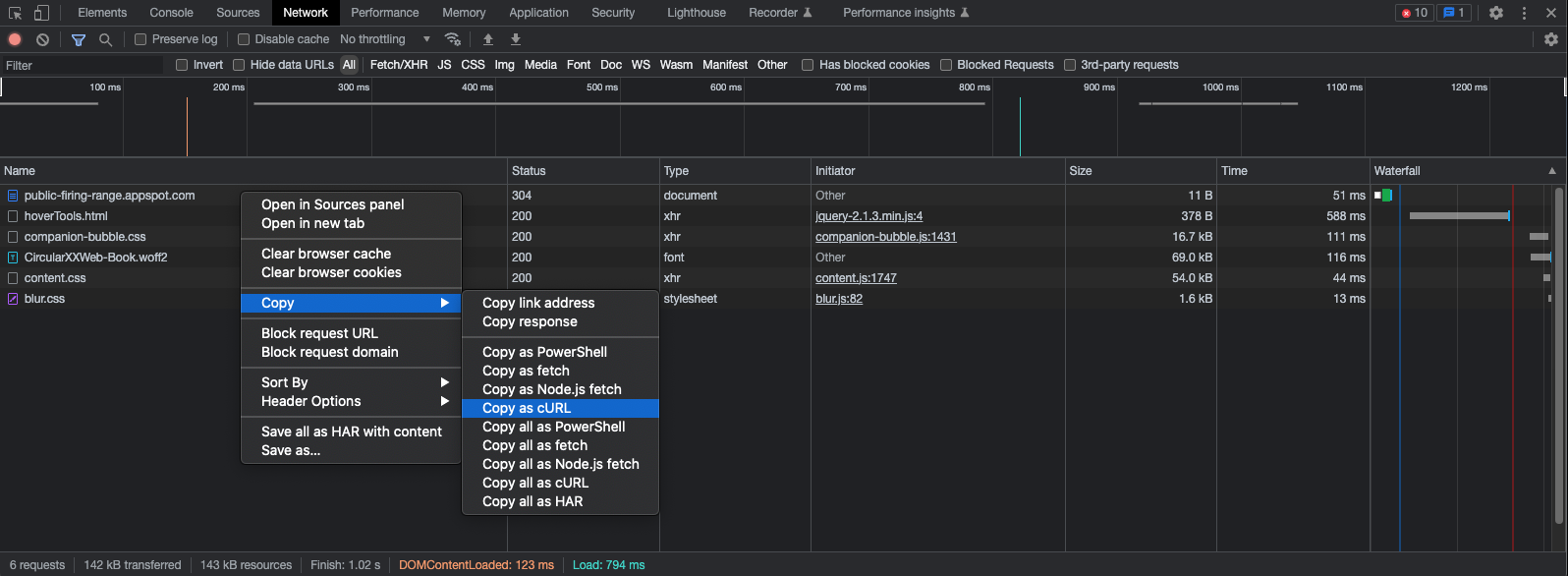
1 | # Chrome |
Firefox stays a step behind by joining all headers into a single line:
1 | curl 'https://public-firing-range.appspot.com/' -H 'Accept: text/html,application/xhtml+xml,application/xml;q=0.9,image/avif,image/webp,*/*;q=0.8' -H 'Accept-Language: en,en-US;q=0.8,es-MX; q=0.5,es;q=0.3' -H 'Other: headers' |
Lastly, Burp Suite on top of joining all headers in a single line it also surrounds them between single quotes with a prefixed dollar sign $'':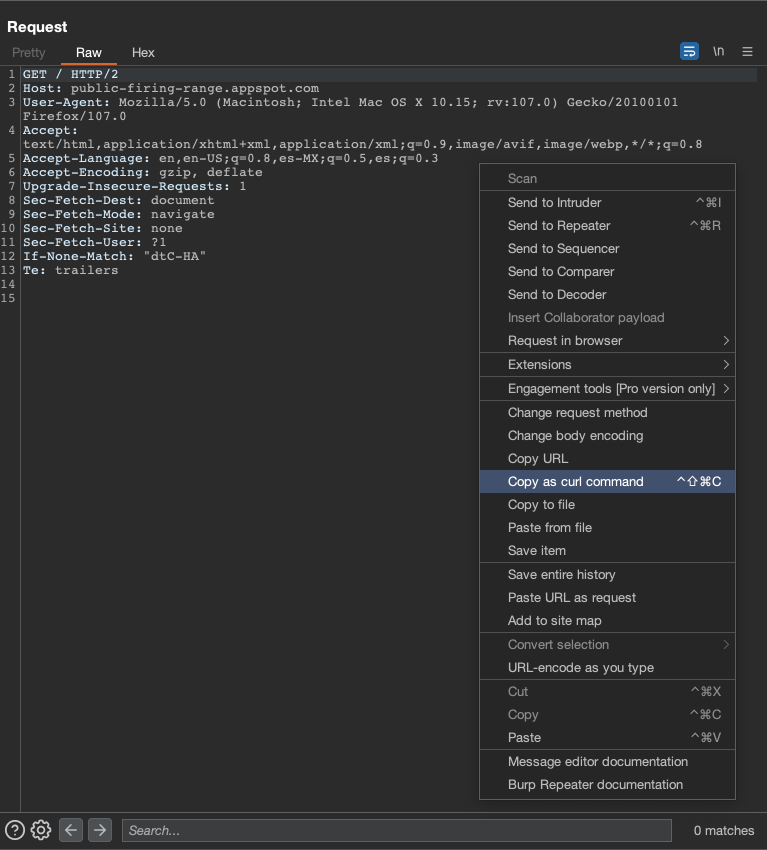
1 | curl -i -s -k -X $'GET' \ |
As you can see, translating some of these generated commands into something usable in a script by hand would be very time consuming. One could just write what is needed by hand without using any generated curl command but I ended up liking a lot more to start with requests that were already built by the browser.
Setup
How does it works?
Given the situation with the generated curl commands and the fact that I will be using such features on a daily basis I found a way to satisfy my needs. The full solution requires vim but if you want to know how the sed part works stick to this chapter. It’s also worth to say that this solution was originally created to fix only the burp generated command, then I found out that it also works in the Firefox curl command as a charm but not with the chrome curl command.
Each line in this list corresponds to a line in the sed command respectively:
- Separate each header with a new line and add padding.
- Add a backslash to indicate line continuation (necessary for the bash syntax parser).
- Replace the single quotes and dollar sign surrounding the strings with double quotes.
- Delete empty lines (can be improved).
- Add a space between the -H option and the double quote.
1 |
|
Save this as an executable file reachable by the $PATH variable. I saved it as burp_curl.sh
curl + sed + vim
To have vim integration, add these lines to your .vimrc file.
1 | " prettify curl commands |
Now every time I hit Spacebar + b + c the curl command I just pasted to my buffer will be prettified. Note that this also works only in the currently selected lines (visual mode) so you’ll not have to worry about it messing up with other parts of your script.
If you did things right you should be able to prettify any curl command from burp or firefox as in the following gifs:
Visual Mode: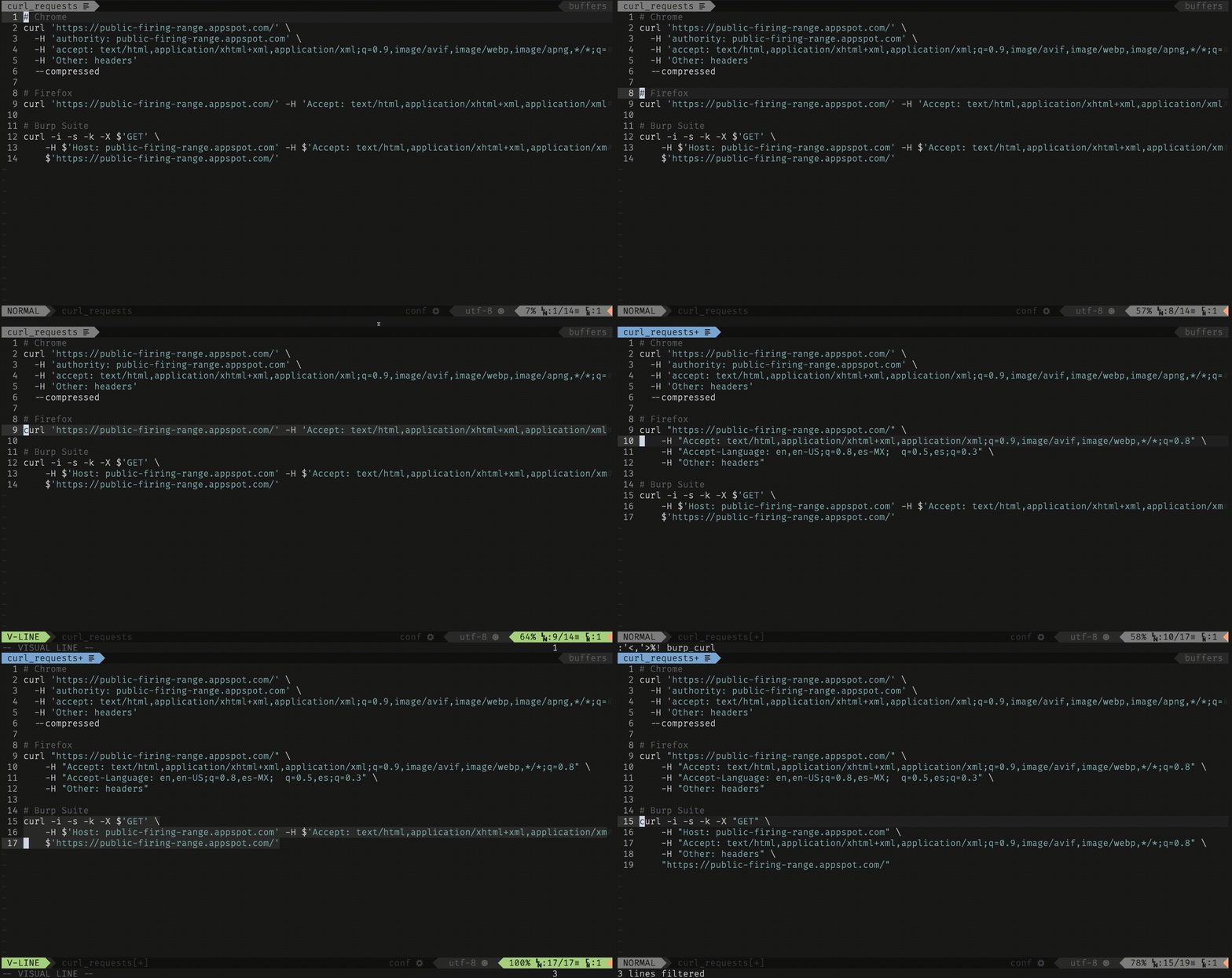
Normal Mode: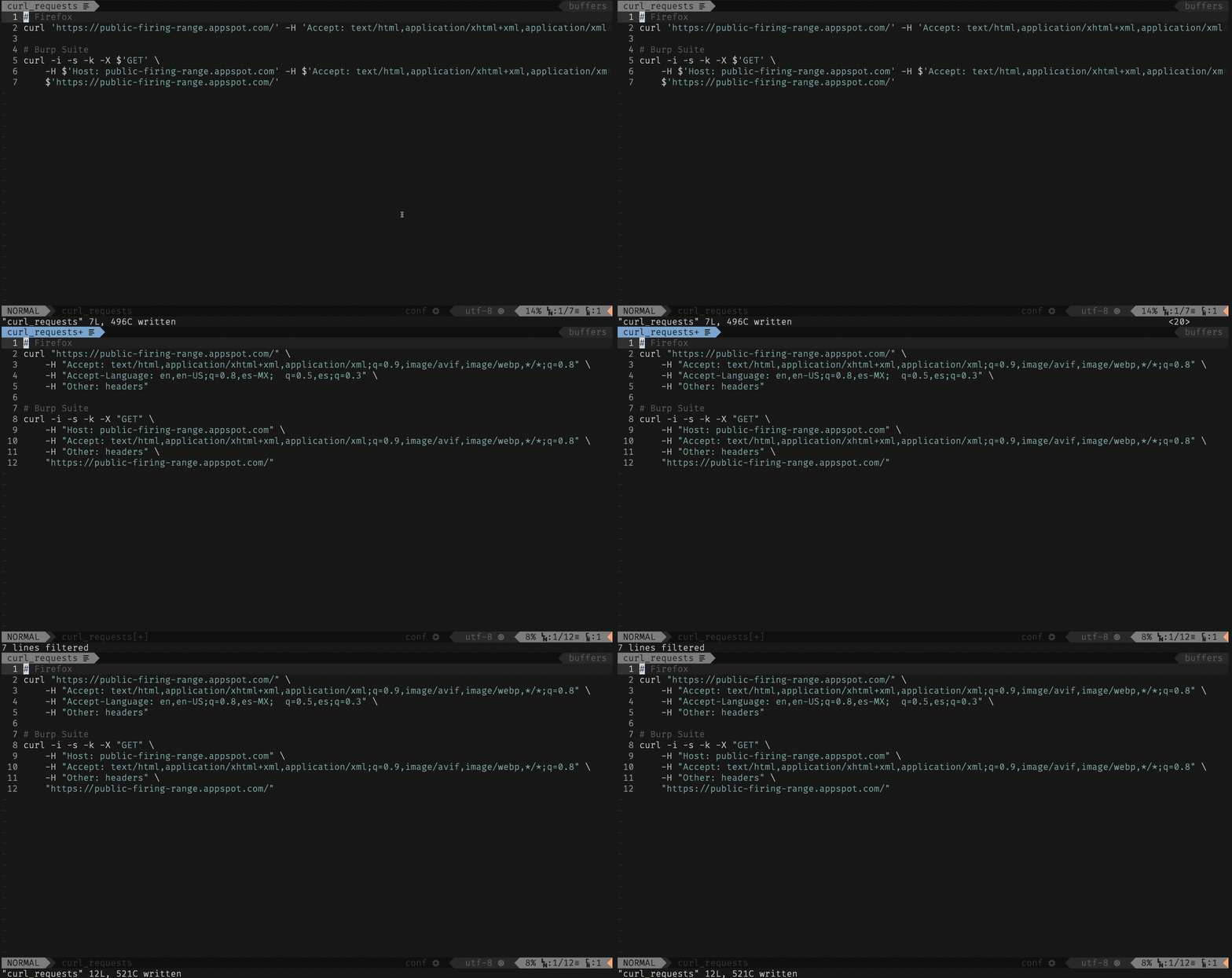
Note
It’s worth saying that when dealing with multipart/form-data content type you’ll definitely want to use the -F option instead of using the generated commands or curl might not catch the response. I
Finally, if the output of the request is readable in burp but you see gibberish with the curl command or no output at all, delete the Accept-Encoding: gzip, deflate header.